
QR codes you can edit after printing
Say you approve 5,000 brochures on Monday and the product team renames the landing page on Wednesday. With a standard QR code, every one of those brochures now points to an error page, and the only fix is a reprint. Editable QR codes solve exactly this problem: the printed pattern stays the same while the destination behind it changes whenever you need it to. This guide explains how the redirect layer works, when an editable code is worth paying for, which parts of a printed code stay locked no matter what, the provider risk most buyers overlook, and how to measure whether a post-print edit actually improved results.
Why a Standard QR Code Is Frozen the Moment It Hits Paper
QR codes were invented in 1994 by Denso Wave, a Japanese automotive company, to track vehicles during production, according to the Digital Marketing Institute. The design goal was reliable identification, not flexibility. As the Digital Marketing Institute explains, the pattern of squares in each code (surrounded by a blank margin known as the quiet zone) is unique, so it ties back to one piece of online data, and the code reads from any direction.
That one-to-one link is the problem for marketers. A static QR code stores its destination directly in its modules, the individual black and white squares. If you encode your full product page address, the address itself is printed in ink. Change a single character of that URL and you need a new pattern, which means new artwork, new proofs, and a new print run.
This is harder than it looks on paper. A static code on 200 business cards is cheap to replace. A static code on 20,000 cereal boxes, a vehicle wrap, or a permanent storefront sign is not, and the web page behind those items rarely stays the same for the full life of the print.
Before your next order, list every printed asset that carries a QR code and note how long it will stay in circulation. Anything expected to outlast your current website structure is a candidate for an editable code.
How Editable QR Codes Work: The Redirect Layer
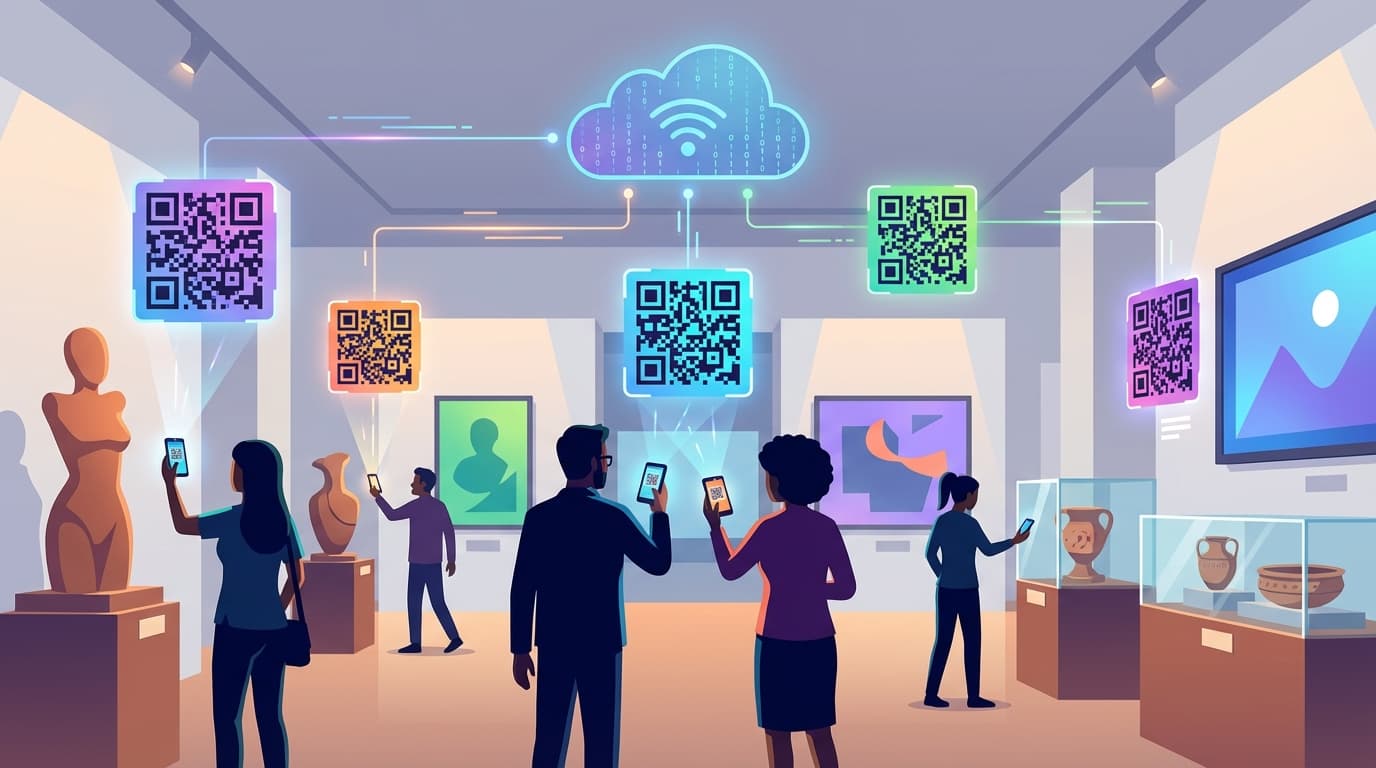
An editable QR code, usually called a dynamic QR code, does not store your final destination. It stores a short redirect URL owned by the QR platform. When someone scans it, the phone opens that short URL, the platform's server looks up where the code should currently point, and it forwards the visitor to that page.
Editing happens entirely on the server side. You log into a dashboard, replace the destination, and save. The printed pattern never changes, because the short URL it encodes never changes; only the lookup table behind it does. QR Planet describes the practical version of this for restaurants: the menu can be changed online without having to reprint it.
The redirect layer produces a second benefit almost as a side effect. Because every scan passes through the platform's server, the platform records it. According to QR Planet, how often and when a code is scanned can be tracked and analyzed, which helps businesses understand user behavior and optimize marketing campaigns. Depending on the provider, scan records also include device type, browser, and approximate location.
One technical detail matters for design. A short redirect URL contains fewer characters than a long product URL with tracking parameters attached, and fewer characters means fewer modules. A less dense pattern stays scannable at smaller print sizes, which helps on packaging and labels where every millimeter of space is contested.
Static vs. Editable QR Codes: Choosing the Right One for Each Print Run
Neither type is universally better. The right choice depends on three questions: how long the printed item lives, whether the destination will change during that time, and whether you need scan data. Free generators, including the QR code tool inside Adobe Express, make it easy to produce a code quickly, so check whether the output is static or dynamic before you export the file.
A workable rule of thumb (a planning heuristic, not an industry standard): if a printed item will circulate for more than 3 months, carries a campaign-specific offer, or needs attribution, choose an editable code. If it is a one-off internal label pointing to a permanent resource, such as a Wi-Fi instructions page, a static code does the job. Compare the three approaches below before you commit a print budget.
- Static QR code. Pro: free to create, works indefinitely, and depends on no company's servers. Con: the destination is locked at print time and there is no built-in scan tracking, so you cannot tell whether 10 people or 10,000 people scanned it.
- Editable (dynamic) QR code. Pro: the destination changes after printing, and every scan is logged for measurement. Con: it depends on your QR platform account staying active, and each scan adds one redirect hop before the visitor lands.
- Hybrid approach. Pro: a static code points to a page on your own domain, and you change what that page shows or where it forwards. Con: you keep full control of the URL but lose platform-level scan analytics unless you add UTM parameters and track visits in Google Analytics.
What You Can Change After Printing, and What Stays Locked Forever
Editable does not mean everything is editable. The redirect layer controls exactly one thing: where the scan goes. Everything physical about the code is fixed the moment ink hits the substrate.
On the editable side, you can swap the destination URL, point to a redesigned landing page, append or change UTM parameters for Google Analytics, or send the code to a different content type entirely, such as a PDF, a video, or a Google review form. Some platforms add scheduled routing, for example sending weekday scans to a lunch menu and weekend scans to a brunch menu. Confirm that feature exists in your plan before you design a campaign around it.
On the locked side sit the size, the color contrast, the quiet zone, the error correction level, and, most often forgotten, the printed call to action next to the code. That last one causes real damage. If the text beside the code says 'Scan for 20% off in March,' editing the destination in April does not fix the printed promise. Customers scan expecting a discount and land on something else, and the brand pays for the broken expectation.
Write evergreen calls to action for any code you plan to edit. 'Scan for this week's offer' or 'Scan for the current menu' survives 12 months of destination changes. 'Scan to download our 2026 catalog' does not survive January 2027.
Where Editable QR Codes Earn Their Cost
Branch describes how QR code usage exploded during the pandemic as a contactless way to drive engagement with menus, then quickly expanded to promotions and app downloads. The same Branch article lists where the codes now appear: signs, mailers, product packaging, badges, stickers, napkins, and even individual receipts. Each of these placements has its own reason to need a destination that changes after printing.
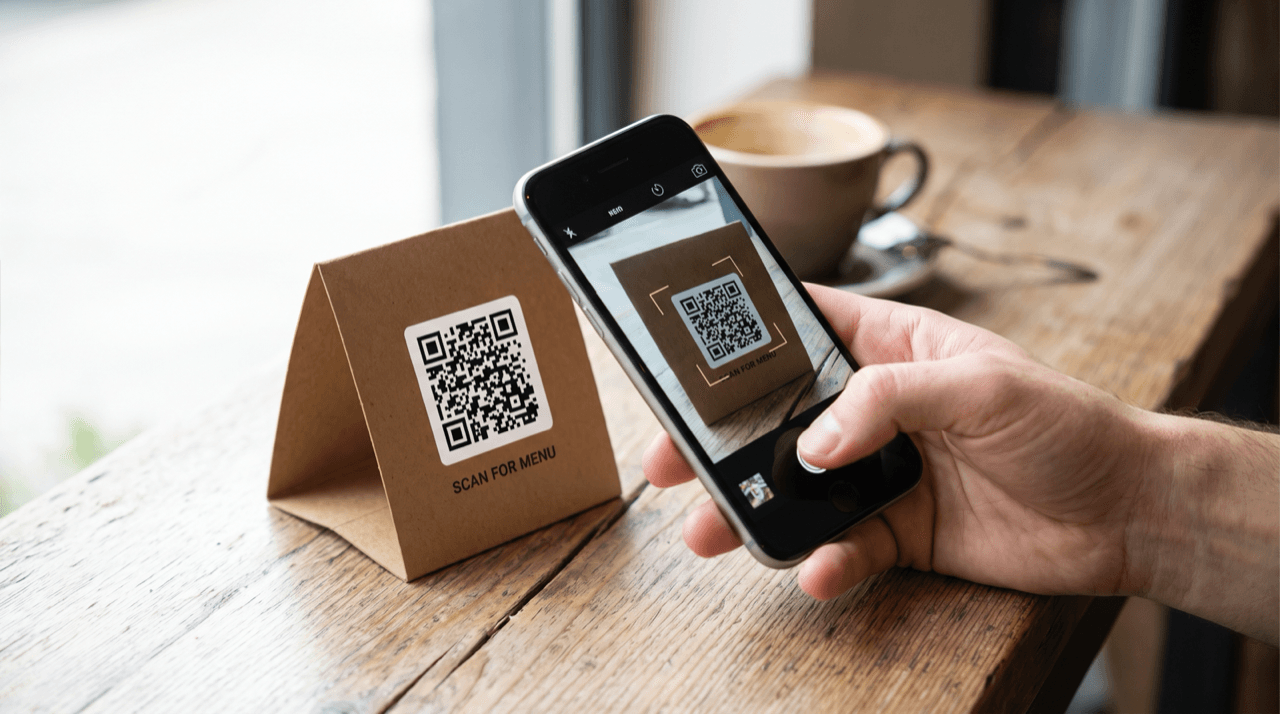
- Restaurant menus. Prices, dishes, and opening hours change far more often than table tents get reprinted. QR Planet notes that a QR-linked menu can be updated online without reprinting, which turns a recurring print cost into a dashboard edit.
- Product packaging. QR Planet points out that packaging lacks space for detailed product information, so codes carry that content instead. Packaging stays on shelves and in pantries for months, and an editable code lets the destination follow product updates, new usage guides, or safety notices.
- Review requests. QR Planet highlights codes that send customers straight to a Google review form. If you later move locations or switch review platforms, an editable code redirects every printed card without replacing a single one.
- App download promotions. QR Planet cites Burger King's lockdown campaign, in which customers received a free Whopper for downloading the app. Offers like this end on a fixed date, and an editable code lets leftover printed material point to a follow-up offer instead of an expired one.
- Broadcast and one-time exposure. Branch points to Coinbase's viral 2022 Super Bowl QR code commercial as the moment codes moved onto TV screens. A broadcast code lives on in recordings and screenshots long after it airs, and an editable destination keeps those later scans landing somewhere useful.
The Risk Most Buyers Miss: Your Printed Codes Depend on Your Provider
The redirect layer that makes editing possible is also a single point of failure. A dynamic code only works while the platform hosting its short URL keeps that URL active. If your subscription lapses, your plan downgrades, or the provider shuts down, every printed code pointing to its servers stops resolving. The ink is still there; the destination is gone.
Consider a hypothetical: you print 10,000 product labels with editable codes, then cancel the QR subscription two years later to trim costs. Those 10,000 labels are still sitting in customers' kitchens, and every scan now hits an error page. The subscription saving is small next to the reprint bill and the damage to customer trust.
No reliable source in the available research quantifies how often this happens, so treat it as a planning risk rather than a statistic. Before you commit, ask each provider 4 questions. What happens to active codes if I cancel or downgrade? Can I export my full code list and destinations? Do codes on the free tier expire? Can I use a custom short domain I own, so I can switch providers later without reprinting?
Keep a simple register with 5 columns: code name, placement, print date, quantity, and current destination. When a printed asset leaves circulation, the register tells you which codes are safe to retire and which ones still have ink in the wild.
How to Measure Whether a Post-Print Edit Actually Worked
Smart Insights frames QR codes as a channel for measurable marketing campaigns across billboards, magazines, and web pages, and editable codes are where that measurement becomes practical, since every scan passes through a server that logs it. The available research contains no benchmark comparing conversion rates of static and editable codes, so your own baseline is the benchmark that counts. The first step is knowing which metric an edit can move.
Start with scan rate: total scans divided by units distributed. Say you hand out 1,000 flyers and 50 people scan. That is a 5% scan rate. Here is the part most marketers miss: changing the destination does not change the scan rate, because people decide to scan before they ever see where the code goes. Scan rate responds to physical variables such as placement, size, contrast, and the printed call to action.
What a destination edit does move is scan-to-conversion rate: conversions divided by scans. Continuing the hypothetical, if 5 of those 50 scanners buy, you have a 10% scan-to-conversion rate. Swap the landing page for a shorter, mobile-first version, keep the same flyers in circulation, and compare the next 50 scans. If conversions rise to 10, the edit doubled conversion without touching the print.
Two cautions keep the comparison honest. First, small samples swing wildly, and 50 scans is a thin sample; when volume allows, let each version collect a few hundred scans before you call a winner. Second, change one variable at a time. If you edit the landing page and launch a radio spot in the same week, you cannot attribute the lift. Add distinct UTM parameters to each destination version so Google Analytics separates the traffic cleanly.
Before You Print: A Pre-Flight Checklist for Editable QR Codes
Branch quotes a line worth taping above the print approval desk: 'tactics without strategy is the noise before defeat.' An editable code is a tactic. The strategy is deciding in advance what each code measures and how you will act on the data it produces.
Run through these checks before any file goes to the printer. Create one code per placement, not one per campaign, so a window poster and a direct mailer each report their own scans. Name each code by placement and date, for example 'window-poster-oct-2026,' so the dashboard stays readable once you pass 30 active codes. Point the first destination at a live, mobile-optimized page, never a placeholder. Test the printed proof on at least 1 iPhone and 1 Android phone at the real scanning distance. Confirm the quiet zone survives trimming and that the call to action is evergreen.
Finally, schedule the first review. Put a date 14 days after distribution on the calendar and check scan counts against units distributed. If a code shows zero scans, the problem is physical (placement, size, or contrast), and no destination edit will fix it. If scans are healthy but conversions are weak, that is exactly the problem an editable code lets you solve without a reprint.
Editable QR codes separate the ink from the destination. That separation lets a menu, a package, or a poster keep working after the web page behind it changes, and it turns every scan into a data point. It also creates a dependency on your provider, so pick one whose cancellation and export terms you have actually read. This week: choose one printed asset currently in circulation, calculate its scan rate (scans divided by units distributed), and write down its scan-to-conversion rate. If the second number is weak and the code is editable, swap the landing page for a tighter mobile version and compare the next batch of scans. If the code is static, that asset goes first in line for an editable replacement at the next print run.
Start measuring your own campaigns
QRlytics tracks every scan with location, device, and browser data, so you can see which printed pieces actually pay off. The free plan covers your first codes at no cost, and Pro unlocks unlimited dynamic codes and full scan history when you are ready to scale. See all options on the plans page.
Ready to track your QR codes?
Create trackable QR codes with powerful analytics. See who scans, when, and where. All in real-time. Get started for free today.