
Which neighborhoods send you plumbing calls?
Your technicians hang door hangers on one street, your yard signs go up after every repipe, and your truck wrap crosses six ZIP codes a day. Then the phone rings, and nobody knows which of those efforts produced the call. QR code tracking closes that gap. By giving each neighborhood its own dynamic QR code, every scan and every booked call carries a label that says where it came from. This article walks through how to split your service area into trackable zones, which print materials to use, how to check codes before a 2,000-piece print run, and the four formulas that show which neighborhoods pay for themselves. None of the sources reviewed for this article publish a scan rate benchmark for plumbing, so the goal here is to build your own baseline.
Why 'Where Did You Hear About Us?' Fails Plumbing Businesses
A homeowner with water spreading across the basement floor is not thinking about your marketing. When your dispatcher asks how they found you, the answer is usually 'Google' or 'I saw your truck,' even if your door hanger sat on their fridge for 3 weeks before the pipe burst. Self-reported attribution is not dishonest. It is memory under stress, and memory under stress is unreliable.
The cost of bad attribution is concrete. Take a hypothetical: you spend $1,500 on door hangers across 5 neighborhoods, and your dispatch log credits 2 calls to them. If the true number was 9, you would cut a channel that works. If the true number was zero, you would keep paying for one that does not. Either way, the decision rests on a guess.
Plumbing adds a second complication. Demand in a neighborhood and response to your marketing in that neighborhood are two different things. Some areas generate repair calls on their own schedule, driven by housing age and season, whether you advertise there or not. You need data that separates the two, and a dispatcher's checkbox cannot do that.
This week: pull your last 30 days of call logs and count how many entries say 'other,' 'unknown,' or 'online.' That share is your attribution blind spot, and it is the number this article helps you shrink.
How QR Code Tracking Ties Each Call to a Neighborhood
The mechanism is simple: one dynamic QR code per neighborhood. Each code redirects through its own short URL, so when someone scans the code on a door hanger in Zone 3, the scan is recorded against Zone 3 before the visitor ever reaches your page. The code itself becomes the attribution label.
Do not rely on scan geolocation to answer the neighborhood question. Scan location data typically comes from the phone's IP address, which places a visitor in a city or metro area, not on a specific street. A homeowner scanning your yard sign over a mobile network can show up in a different part of town. The neighborhood answer comes from which code was scanned, not from where the phone appears to be.
The landing page matters as much as the code. For plumbing, the destination needs two actions above the fold: a tap-to-call button and a short booking form with 3 or 4 fields. If each zone routes to its own page variant, or to the same page with a zone parameter in the URL, your form submissions and call clicks inherit the zone label too. That is what turns a scan count into a call count.
As a hypothetical, say you serve 6 neighborhoods. That means 6 codes, 6 landing page variants, and one spreadsheet column per zone. The setup takes an afternoon, and the data keeps accumulating for as long as the print stays on doors, fridges, and lawns.
Choosing Your Zones: ZIP Codes, Subdivisions, or Service Routes
How you draw zones decides what your data can answer later. Three approaches cover most plumbing businesses, and each trades simplicity for precision. Compare them before you print anything.
- ZIP code zones. Pro: easy to match against mailing lists and the way most marketing vendors sell distribution. Con: one ZIP code often contains both decades-old ranch homes and new construction, so a single code blends two very different customer bases into one number.
- Subdivision or named neighborhood zones. Pro: maps to how customers describe where they live and keeps housing types more uniform within each zone. Con: more codes to manage, since 12 subdivisions means 12 print files, 12 proofs, and 12 rows in your report.
- Technician route zones. Pro: matches how you dispatch, so cost per call lines up with drive time and fuel. Con: routes change when you hire or lose a technician, and a route boundary means nothing to a homeowner.
- Start with no more than 8 zones. The reasoning is arithmetic: if you distribute 4,000 door hangers across 8 zones, each zone gets 500 pieces. Split the same run across 20 zones and each gets 200, which produces too few scans per zone to compare with any confidence.
- Whatever you pick, write the boundaries down before printing. A zone map that changes after the codes go out breaks every comparison you planned to make.
Why Every Neighborhood Needs a Dynamic QR Code, Not a Static One
A static QR code encodes a fixed URL directly into its modules. It cannot be edited after printing, and on its own it does not count scans. If the URL behind a static code breaks, every door hanger and yard sign carrying it becomes a dead end, and you will not know until a customer complains.
A dynamic QR code encodes a short redirect URL instead. The redirect records each scan, then forwards the visitor to whatever destination you set, and you can change that destination at any time. For a plumbing business this is practical: a yard sign printed in spring 2026 can point to a drain-cleaning offer in April and a water heater flush special in November, with no reprint.
Here is how the three common setups compare on the question this article asks.
- Static code, one for all zones. Pro: free and requires no account. Con: zero scan data and zero neighborhood attribution.
- Dynamic code, one for all zones. Pro: scan counts and an editable destination. Con: you learn total volume, not which neighborhood produced it.
- Dynamic code per zone. Pro: scan counts by neighborhood and an editable destination for each zone. Con: more files to manage and verify before every print run.
- Only the third setup tells you which neighborhoods send you plumbing calls. The other two answer a smaller question.
Where to Place Neighborhood QR Codes for Plumbing Leads
Plumbing marketing lives on physical surfaces, which is exactly why QR codes fit it. Four placements carry most of the load, and each needs its own coding rule so the zone data stays clean.
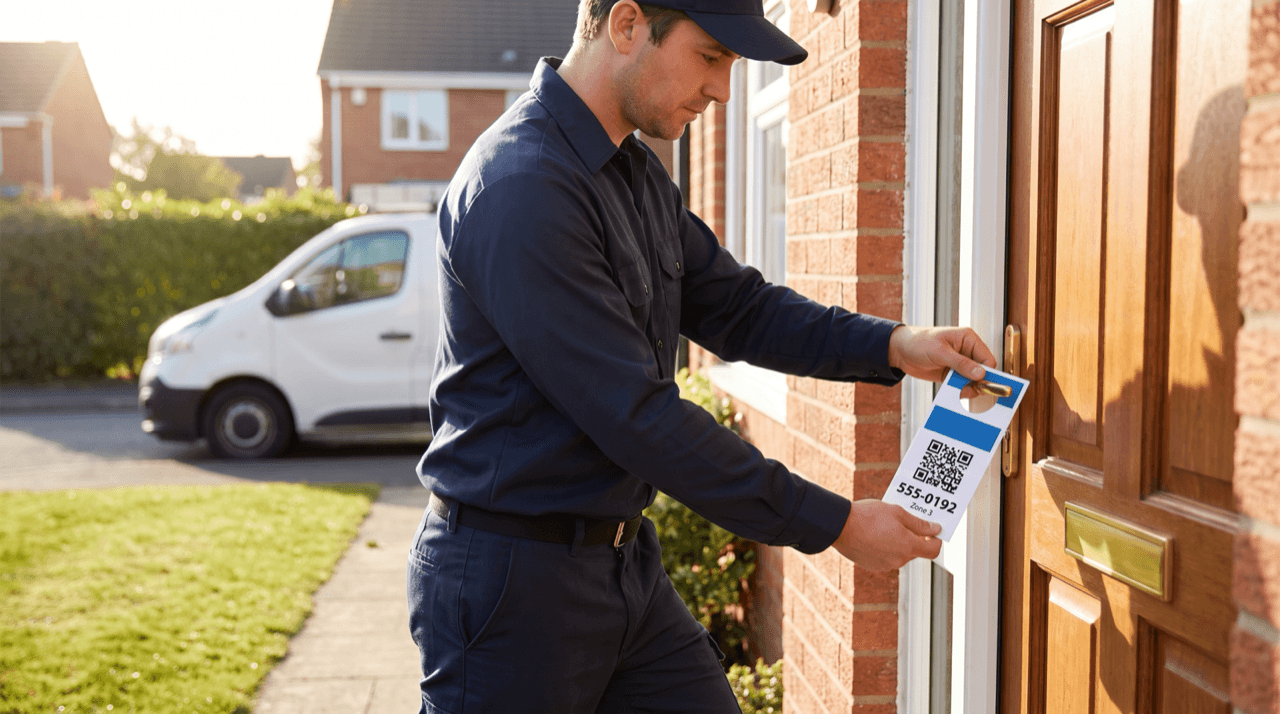
- Door hangers. These give the cleanest zone signal, because a hanger only goes on doors in one neighborhood. Give each zone's batch its own code and print the zone ID in small text near the code, so the print shop and your crew do not mix batches.
- Yard signs after a job. A sign in front of a house you just serviced works as social proof for the neighbors. Use the code for the zone that house sits in. As a hypothetical, 1 sign per completed job, collected after 14 days, rotates through 2 or 3 zones a month.
- Truck wraps. A truck crosses several zones every day, so it cannot carry a zone code honestly. Give each vehicle its own code instead: 3 trucks means 3 codes, which tells you which routes generate wrap scans.
- Leave-behind stickers on water heaters and under sinks. These drive repeat business, and a sticker placed in 2026 keeps working as long as the dynamic redirect stays live. Code them by zone so repeat calls stay attributed to the right neighborhood.
- Test every placement with a real phone from the spot a homeowner will actually scan from. A yard sign read from the sidewalk is a different job than a sticker read from 30 centimeters away, and a code that fails the sidewalk test produces no data at all.
Check Every Code Before 2,000 Door Hangers Go to Print
Neighborhood attribution has a failure mode that single-code campaigns do not: a mixed-up file. If the Zone 2 artwork ships with the Zone 5 code, every scan from Zone 2 gets credited to Zone 5. The data looks clean while being wrong, and nothing in your dashboard flags it.
Print-side quality control exists for this kind of error. GlobalVision and Hybrid Software announced an integration that embeds GlobalVision's VerifyAPI inside Hybrid Software's CLOUDFLOW prepress workflow, automating artwork verification, barcode and QR code checks, spell check, and braille inspection, according to a press release published by WhatTheyThink. The same announcement describes configurable inspection parameters so that every team applies the same criteria. You do not need to buy prepress software yourself, but ask your print shop whether it runs automated barcode and QR checks before a job goes to press.
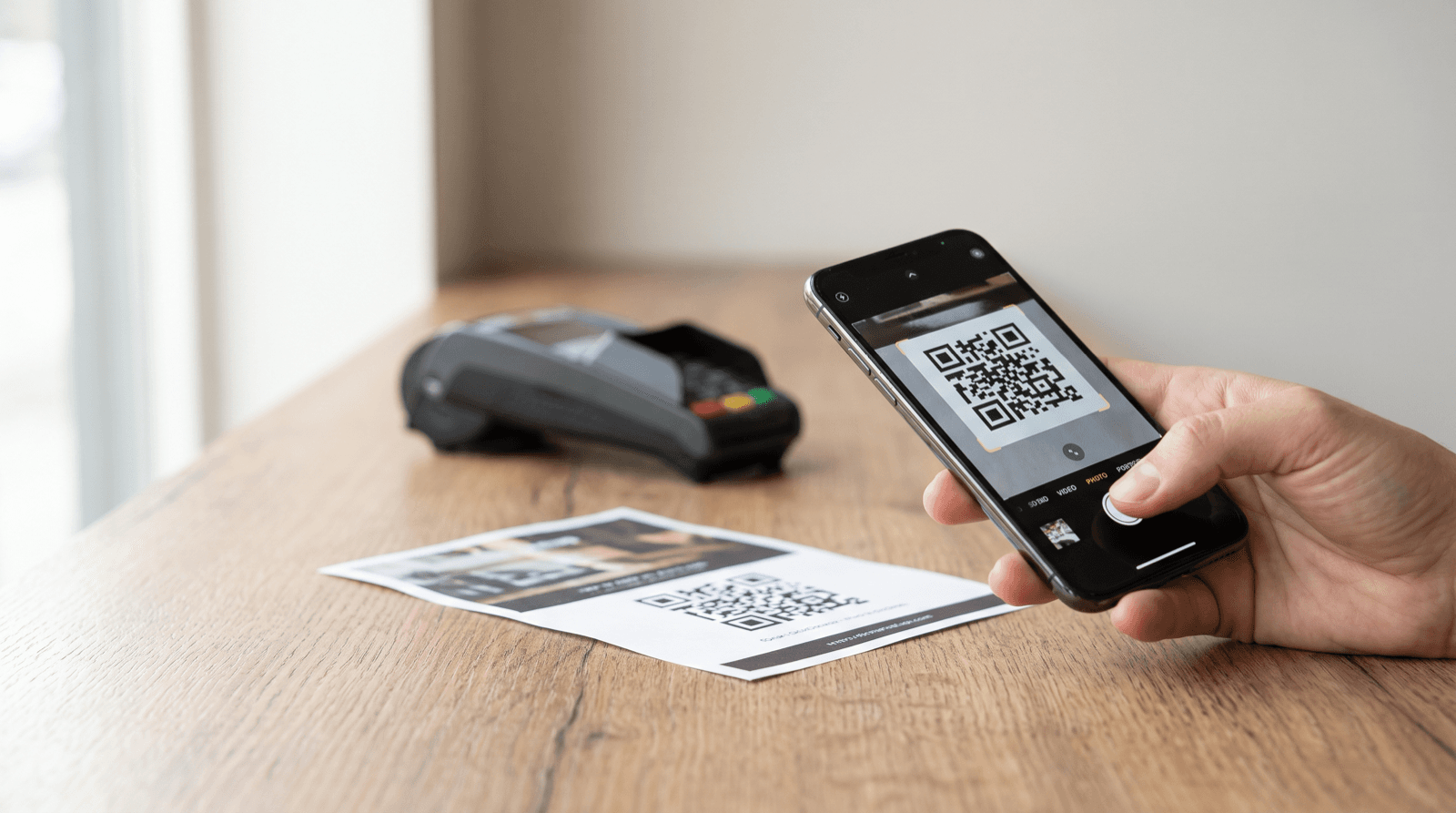
Run your own check as well. Before approving proofs, scan each zone's proof with 2 different phones, confirm the redirect lands on the matching zone page, and verify the test scan appears under the correct zone in your dashboard. Note or remove those test scans so they do not inflate your counts.
As a hypothetical, a 2,000-piece run across 4 zones means 4 proofs, 8 test scans, and roughly 15 minutes of work. That is cheap insurance against a month of misattributed data.
The Four Formulas That Show Which Neighborhood Pays
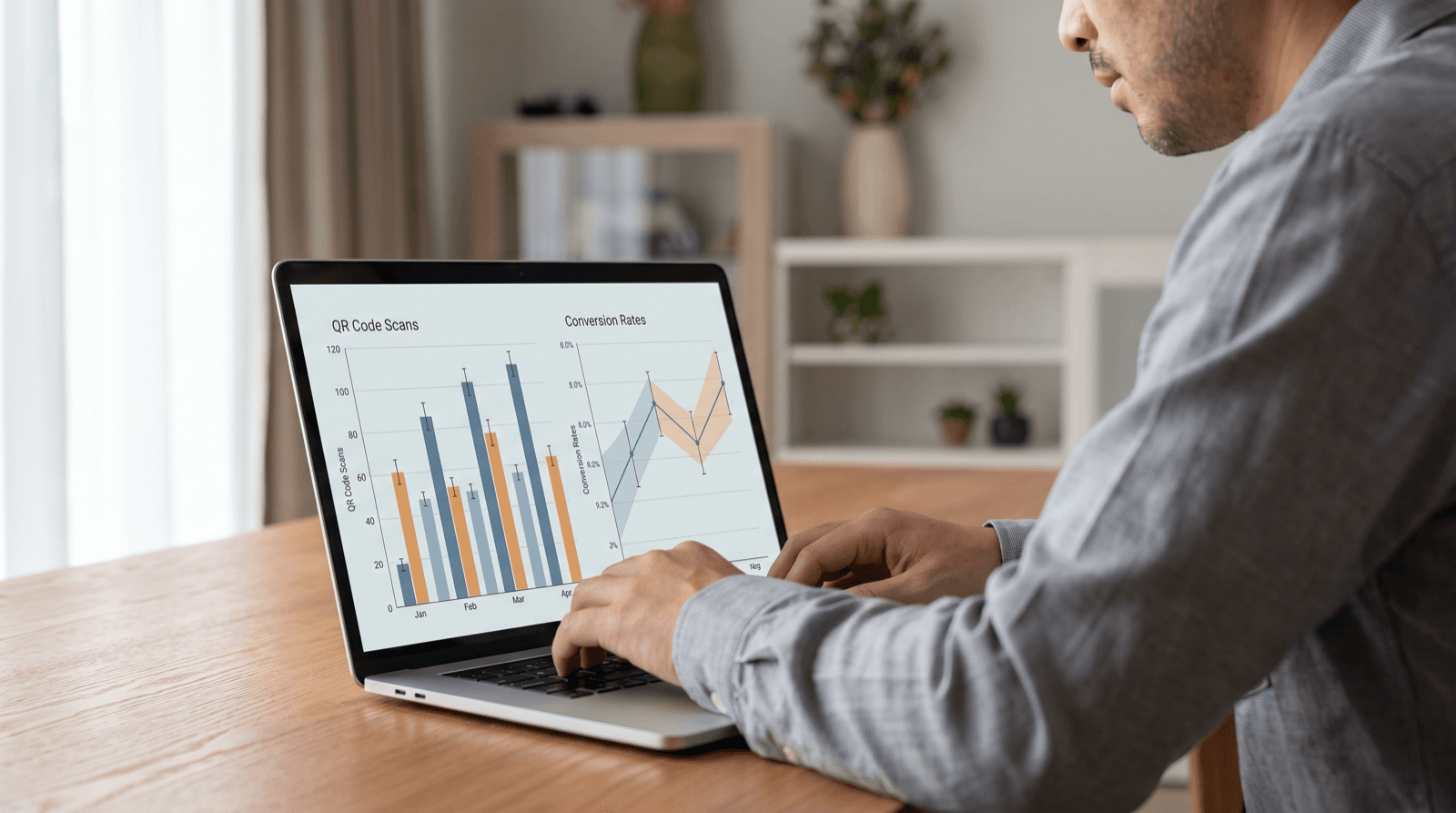
Scan counts alone mislead. The goal is booked jobs per dollar, and getting there takes four numbers per zone, calculated the same way every cycle.
- Scan rate = scans from the zone's code / pieces distributed in that zone.
- Scan-to-call rate = calls plus bookings from the zone's landing page / scans from the zone's code.
- Cost per call = total zone spend (printing plus distribution) / calls from that zone.
- Revenue per piece = revenue from jobs booked in that zone / pieces distributed in that zone.
- Here is a hypothetical worked example with round numbers. Zone A gets 1,000 door hangers and produces 20 scans and 5 booked calls. Zone B gets 1,000 hangers and produces 40 scans but only 4 calls. By scans, Zone B looks twice as strong (a 4% scan rate against 2%). By conversion, Zone A turns 25% of scans into calls while Zone B turns 10%. At $300 spent per zone, Zone A costs $60 per call and Zone B costs $75.
- Then add revenue. If Zone A's 5 calls are drain clears and one of Zone B's 4 calls is a whole-house repipe, Zone B wins on revenue per piece. That is why the job ticket needs the zone label, not just the dashboard.
- Some customers will dial the printed number instead of tapping the button. To catch those calls, show a short zone code on each landing page (for example, 'mention code Z3 for $25 off') and have dispatch record it.
- Watch sample size. With 4 or 5 calls per zone, one extra call moves the scan-to-call rate by several points. Treat the first cycle as a baseline, not a verdict, and wait for at least 2 distribution cycles before moving budget.
Protecting Homeowners From Fake Codes on Your Signs
A yard sign sits unattended on a public lawn, which makes its QR code a target. Quishing, a form of phishing conducted through QR codes, has emerged as a critical threat to user information security in mobile environments, according to researchers in a paper on on-device QR phishing detection hosted by PubMed Central. The authors describe attacks that open malicious URLs and impersonate legitimate services to steal user credentials, and note that some variants hide their credential-harvesting behavior until after the user interacts with the page.
For a plumber, the risk is a sticker placed over your code that sends homeowners to a fake booking or payment form. That damages your customers first and your reputation second. Three defenses cost almost nothing: use a short link on a domain customers can recognize, print your business name and phone number next to every code so people can call directly, and have technicians check signs on each visit. As a hypothetical cadence, if a sign stays up for 14 days, check it on day 7.
Your scan data helps here too. A sudden spike of scans on one zone's code with zero bookings is a signal to drive past that zone's signs and look for tampering before assuming the offer stopped working.
What to Do When One Neighborhood Wins
Once you have 2 cycles of data, the decisions become concrete. The zone with the lowest cost per call earns more pieces in the next run. As a hypothetical, shift 25% of the weakest zone's budget to the strongest zone, then check whether the extra volume holds the same cost per call or whether returns start to flatten.
A zone with high scans and low calls has a landing page or offer problem, not an awareness problem. Change the destination of that zone's dynamic code, for example swapping a general services page for an emergency-service page with a visible phone number, and compare the next cycle against the last.
A zone with almost no scans after 2 cycles deserves one more test on a single variable (code size, placement on the hanger, or the offer itself) before you cut it. Some neighborhoods will never respond to door hangers, and confirming that is a useful finding in its own right.
Keep a dated log for every print run: zone, piece count, spend, date distributed, and code ID. Without it, a comparison between 2026 and 2027 turns back into guesswork.
Which neighborhoods send you plumbing calls is a question your materials can answer, as long as every piece carries a code that knows where it was placed. This week: draw a zone map with 4 to 8 zones, create one dynamic QR code per zone plus one per truck, and point each code to a zone-tagged landing page with tap-to-call and a short booking form. Before your next door hanger run, scan every proof with 2 phones and confirm each test scan lands in the right zone. After the first distribution cycle, calculate scan rate, scan-to-call rate, cost per call, and revenue per piece for every zone. After the second, move budget toward the neighborhood with the lowest cost per call.
Start measuring your own campaigns
QRlytics tracks every scan with location, device, and browser data, so you can see which printed pieces actually pay off. The free plan covers your first codes at no cost, and Pro unlocks unlimited dynamic codes and full scan history when you are ready to scale. See all options on the plans page.
Ready to track your QR codes?
Create trackable QR codes with powerful analytics. See who scans, when, and where. All in real-time. Get started for free today.