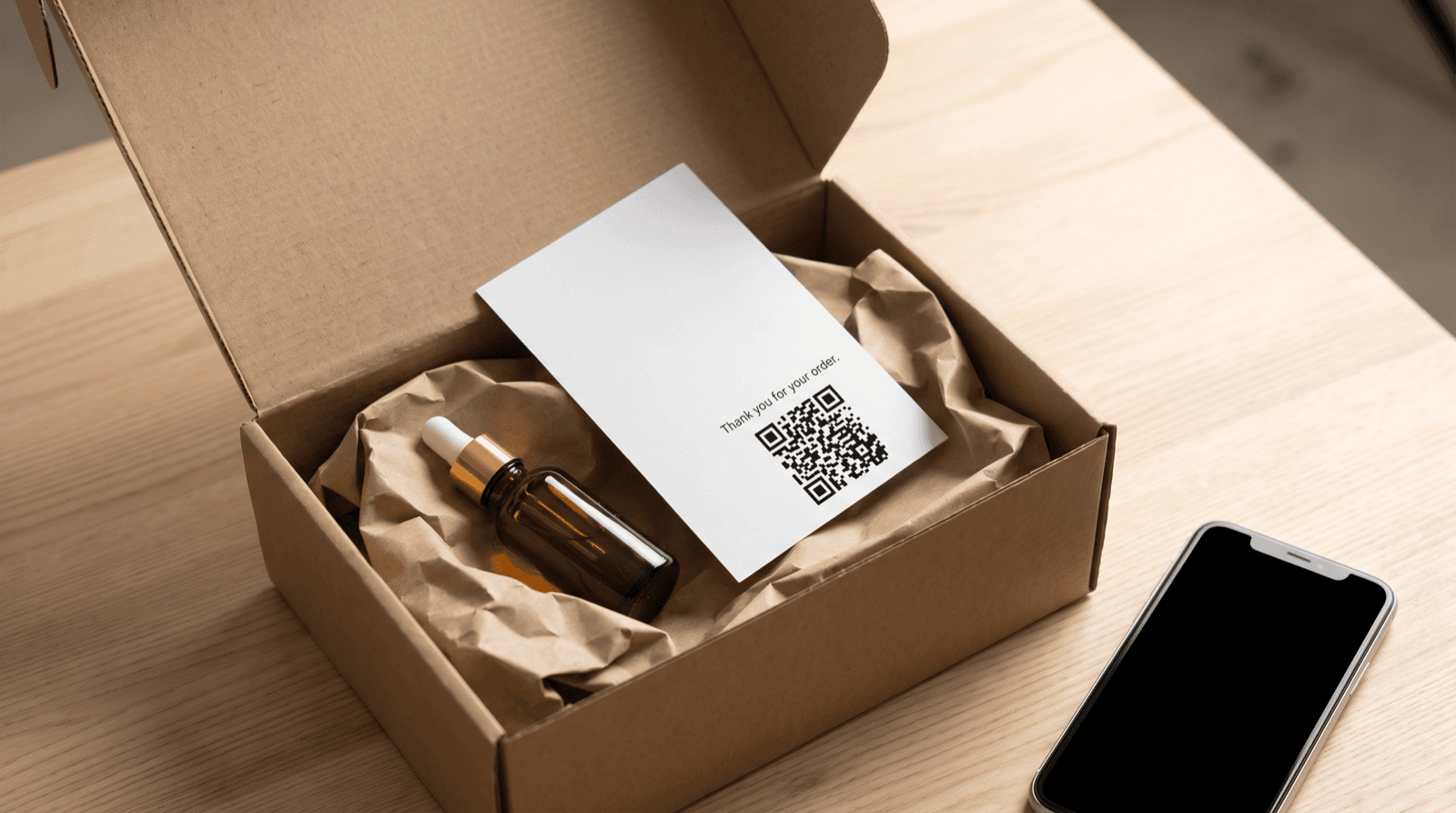

Tracking scans without a cookie banner
Your QR code gets scanned on a train platform, a phone opens your page, and a consent pop-up covers half the screen before your offer even loads. That is the moment much of your scan data disappears. Cookieless QR tracking solves a narrower problem than most marketers expect: it counts and locates the scan itself at the redirect, before any page loads, so no banner is involved in that step. The landing page is a different story. This guide explains which parts of QR measurement need consent and which do not, how to measure conversions with unique codes and offer codes instead of cookies, and gives you a 7-step setup checklist to run this week. One caveat up front: this is practical guidance for marketers, not legal advice.
Why a QR Scan Is Not a Website Visit
A dynamic QR code does not point at your landing page. It points at a short redirect URL on your QR platform's server. When a phone scans it, the camera app sends one HTTP request to that server, the server records the request and answers with a redirect (an HTTP 301 or 302 status code), and only then does the phone load your real destination.
That single request carries useful data without anything being stored on the phone: a timestamp, the IP address (which maps to an approximate country and city), and the user agent string (which identifies device type, operating system, and browser). The server logs all of it on its own side. Nothing has to be written to or read from the visitor's device for the scan to count.
Say you print 1,000 flyers with one dynamic code and the redirect logs 50 requests over 14 days. That is a 5% scan rate, measured entirely server-side, and the person scanning never sees a banner during that step.
One technical detail affects accuracy. According to Semrush, a 301 is a permanent redirect. Browsers are allowed to cache permanent redirects, so a second scan from the same phone can skip your redirect server entirely and go straight to the destination, which means that scan never reaches your log. A 302 (temporary) redirect is safer for measurement, and it keeps the destination editable after printing. Ask your QR provider which status code it returns before your next print run.
What the Cookie Banner Rules Actually Cover
The cookie banner in the European Union comes from Article 5(3) of the ePrivacy Directive (2002/58/EC), not from the GDPR. Article 5(3) requires consent before storing information on, or accessing information from, a user's device, with an exemption for storage that is strictly necessary to deliver a service the user explicitly requested. Cookies are the familiar example, but the rule also reaches local storage, tracking pixels, and fingerprinting scripts that read device characteristics.
The General Data Protection Regulation (GDPR), in force since May 2018, is a separate layer. It governs any processing of personal data, and the Court of Justice of the European Union confirmed in its 2016 Breyer ruling that dynamic IP addresses can count as personal data. So a server-side scan log does not need a banner, but it still needs a lawful basis (legitimate interest is the common choice for aggregate campaign statistics), a mention in your privacy notice, and a defined retention period.
The banner question and the data protection question have different answers depending on where the data is collected:
National regulators interpret the exemptions differently. France's CNIL, for example, allows certain audience-measurement tools to run without consent when they meet strict configuration conditions. Check the guidance from your own data protection authority before relying on any exemption, and treat this section as a map, not a ruling.
- Counting a scan at the redirect server: nothing is stored on or read from the device, so Article 5(3) consent does not apply. The GDPR still applies to the IP address you log.
- Setting a cookie or running a JavaScript tracker on the landing page: this is device access, so consent is required unless the tool qualifies for a strictly-necessary or audience-measurement exemption in your country.
- Passing scan data to an advertising platform for retargeting or profiling: treat this as consent-only in every EU market.
Where Cookieless QR Tracking Breaks: The Landing Page
The scan is clean. The page it opens usually is not. Semrush's SEO checklist recommends setting up a free Google Analytics 4 (GA4) account and pairing it with a heatmap or session-recording tool such as Microsoft Clarity. Both are sensible recommendations for a website, and both run JavaScript that stores identifiers in the visitor's browser. In the EU, that means a consent banner on the landing page, sitting directly between your scanner and your offer.
Marketing automation stacks follow the same pattern. HubSpot's Professional Suite onboarding checklist lists installing the HubSpot tracking code as one of the first account-setup tasks. Any QR landing page built on that stack carries the tracking code, and the same consent logic applies.
This creates a measurement gap that confuses campaign reports. Say your redirect logs 100 scans in a week and 40 of those visitors accept the banner. GA4 reports 40 sessions from the campaign, not 100. Neither number is wrong. The redirect counts intent; GA4 counts consenting visitors. Comparing the two without knowing this leads teams to conclude their QR code is somehow losing 60% of its traffic.
The banner also adds friction at the worst possible point. Someone scanning a poster at a bus stop has a few seconds of attention, and a full-screen consent dialog on a 6-inch display competes directly with your call to action. You cannot legally drop the banner while the page runs consent-based trackers. You can remove those trackers from the page, or move your measurement to the redirect and the point of sale, which is what the rest of this guide covers.
Cookieless QR Tracking vs. Consent-Based Analytics: Which Setup Fits
Most small and midsize businesses have 3 realistic setups to choose from. They differ in how much you learn about each visitor and how much consent friction that visitor sees.
For bottom-of-funnel (BOFU) campaigns such as in-store offers, event sign-ups, and product inserts, the third setup gives the best ratio of insight to friction. You count every scan at the redirect, then count conversions where they actually happen: at the till, in your order system, or in a form the visitor chose to submit.
The second setup still earns its place when the landing page is a full ecommerce funnel and on-page behavior drives your decisions. In that case, keep the redirect count as your ground truth for scan volume and treat GA4 figures as a sample of consenting visitors, not the full audience.
- Redirect-only tracking, with no scripts on the landing page. Pro: no banner anywhere on the code's path, complete scan counts, and setup in minutes. Con: you see scans, devices, and locations, but nothing about what people do after the page loads.
- Redirect tracking plus a consent-based analytics stack (GA4, the HubSpot tracking code, Microsoft Clarity). Pro: full on-page behavior data for visitors who accept. Con: a banner on every landing page, and on-page data limited to the consenting share.
- Redirect tracking plus offline conversion matching (unique codes, offer codes, form fields). Pro: you connect scans to sales without storing anything on the device. Con: more admin, because every placement or offer needs its own code.
How to Measure Conversions Without Cookies
Cookies exist to recognize the same visitor across pages and sessions. If you design the campaign so the conversion carries its own source label, you do not need to recognize the visitor at all. Four techniques do most of the work:
The formula stays simple: scan-to-conversion rate = conversions / scans x 100. Say the counter code logs 200 scans in a month and your point-of-sale report shows 12 redemptions of COUNTER10. That is a 6% scan-to-conversion rate, and every figure behind it was collected without a single cookie.
Two limits apply. Offer codes get shared, so some redemptions will come from people who never scanned; a short expiry window of 14 to 30 days keeps that leakage contained. And UTM values travel in the URL, so never put personal data such as an email address or customer ID into them. Keep them to campaign, source, and placement names.
- One dynamic code per placement. A code on the shop window and a separate code on the counter give you 2 independent scan counts with no visitor identification at all.
- A unique offer code per QR code. If the window code's landing page shows WINDOW10 and the counter code shows COUNTER10, your point-of-sale report tells you which placement produced each redemption.
- UTM parameters on each destination URL. Set utm_source, utm_medium, and utm_campaign in your QR platform so any order or form submission records the source as a plain URL value rather than a stored identifier.
- A hidden form field. Your sign-up form copies the campaign value from the URL and saves it with the submission, which the visitor sends deliberately.
Collect Less Scan Data and Keep It for Less Time
Server-side scan logs avoid the banner, but the GDPR's data minimization principle in Article 5(1)(c) still applies. The practical test: for every field in your scan log, name the decision it supports. Country and city support placement decisions. Device and operating system support landing page design. A full IP address stored for 2 years supports nothing you need for campaign reporting.
Three configuration choices reduce your exposure without costing you insight:
Then write it down. Your privacy notice should state that QR scans are logged, which data points are recorded, the lawful basis, and how long logs are kept. Ask your QR provider for its data processing agreement (DPA) and the location of its servers, because the provider processes scan data on your behalf and you remain responsible for choosing a compliant one.
- Derive location from the IP address at scan time, then store only the country or city, not the address itself.
- Set a retention window that matches your reporting cycle. If you review campaigns monthly, 30 to 90 days of raw scan logs covers most reporting needs, while aggregate counts per code can be kept longer.
- Exclude your own team's test scans. HubSpot's onboarding checklist pairs installing its tracking code with filtering out internal traffic, and the same habit applies to QR codes: 20 test scans during a print proof visibly distort a campaign that only gets 100 real ones.
A 7-Step Setup Checklist for Banner-Free Scan Tracking
Checklists suit this kind of setup because the failure points are small and easy to skip. HubSpot structures its Professional Suite onboarding as a sample 6-week checklist for exactly that reason. This one fits into a single afternoon.
Semrush's website launch checklist puts checking redirects first, because a broken redirect sends every visitor to the wrong place. For printed QR codes the stakes are higher: you cannot recall 5,000 flyers once they are distributed. Test every code before the print run, not after.
- Step 1: Create one dynamic code per placement or channel, named so reports read without a lookup table (for example, spring-flyer-counter).
- Step 2: Confirm the redirect status code with your provider. A 302 prevents browsers from caching the redirect and skipping repeat scans.
- Step 3: Add UTM parameters to every destination URL, using only campaign, source, and placement names.
- Step 4: Remove consent-based scripts from the landing page, or accept that on-page analytics will reflect consenting visitors only.
- Step 5: Attach a unique offer code or hidden form field to each QR code so every conversion carries its own source.
- Step 6: Scan each code on at least 2 phones (one iOS, one Android) before printing, then exclude those test scans from your reports.
- Step 7: Update your privacy notice with the scan data you log and its retention period.
How to Read Cookieless Scan Numbers Honestly
Without cookies, you lose reliable deduplication. A redirect server can estimate unique scanners by combining IP address and user agent, but 2 people on the same cafe Wi-Fi with the same phone model look identical, and 1 person switching from Wi-Fi to mobile data looks like 2. Report total scans as your primary metric and label unique scans clearly as an estimate.
Watch for non-human requests too. Messaging apps fetch a link preview when someone pastes your short URL into a chat, and corporate email security scanners open links before the recipient does. Those requests hit the redirect and count as scans unless your provider filters known bots. A spike of 40 scans at 3 a.m. with zero matching conversions points to a crawler, not a sudden surge of interest.
Finally, a candid note on benchmarks. No published study identified for this article compares conversion attribution from cookieless QR setups against cookie-based ones, so treat any vendor claim of a precise data recovery percentage with skepticism. Your own baseline is the benchmark that matters: run one campaign for 4 weeks, record scans and conversions per code, and judge the next campaign against those numbers.
Cookieless QR tracking is less exotic than it sounds. The scan itself is a server request, and counting it at the redirect needs no banner. The banner appears when your landing page starts storing identifiers, and most of what those identifiers tell you about a QR campaign can be captured instead with one code per placement, unique offer codes, and UTM values. This week: pick your next print run, create one dynamic code per placement (start with 2 or 3), assign each its own offer code, and strip non-essential tracking scripts from the landing page. After 30 days, divide redemptions by scans for each code. That number, collected without a single cookie, is the baseline every future campaign has to beat.
Start measuring your own campaigns
QRlytics tracks every scan with location, device, and browser data, so you can see which printed pieces actually pay off. The free plan covers your first codes at no cost, and Pro unlocks unlimited dynamic codes and full scan history when you are ready to scale. See all options on the plans page.

Ready to track your QR codes?
Create trackable QR codes with powerful analytics. See who scans, when, and where. All in real-time. Get started for free today.